Your teams spot phishing before they click
Fake Microsoft 365 emails, fake invoices, urgent payment requests: phishing is still the most common way in. about IT trains your staff with regular simulations and protects their accounts even when someone gets caught out.
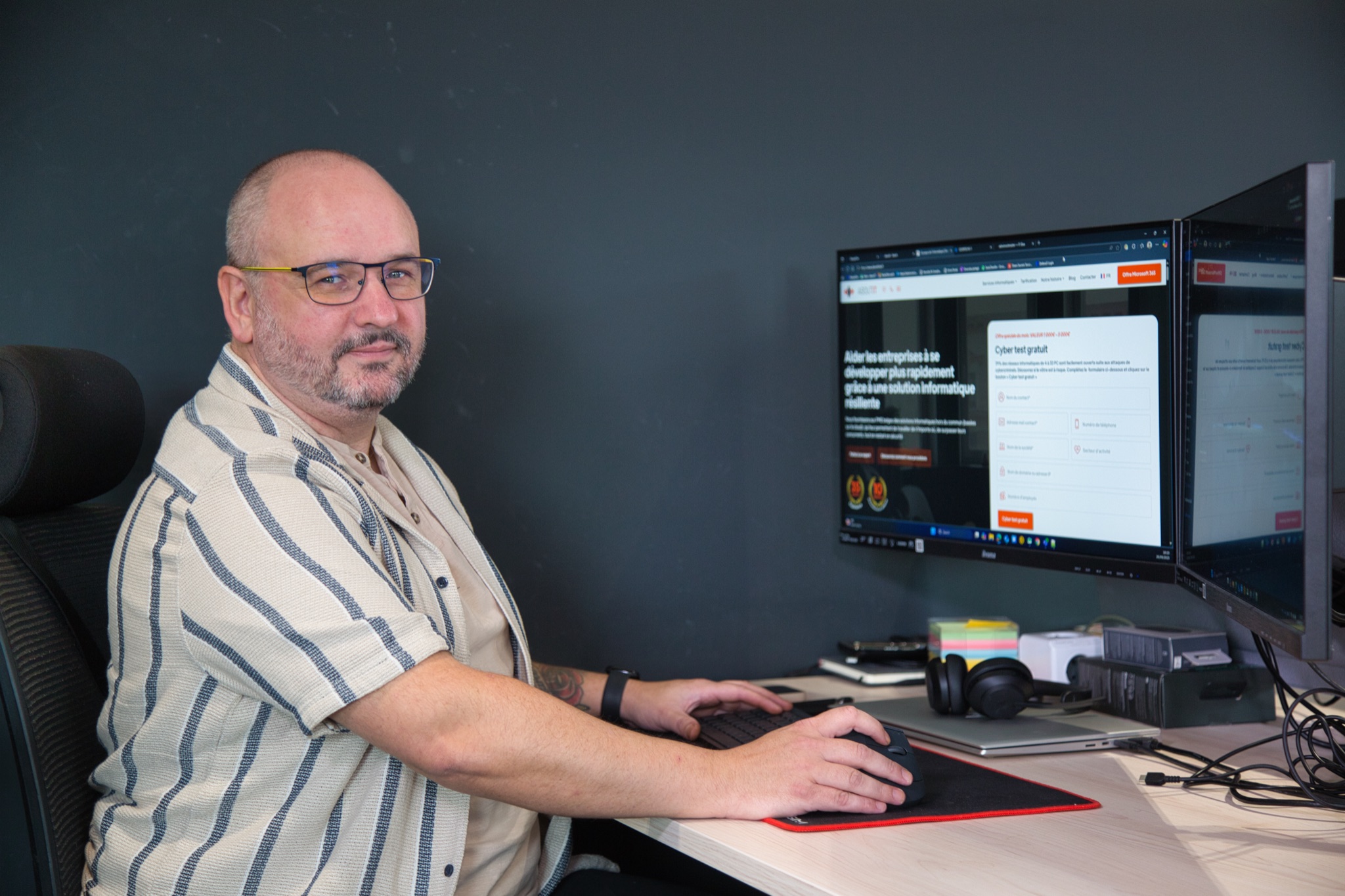
Phishing awareness teaches your staff to recognise a fraudulent email before they click a link, open an attachment or type a password. At about IT, it is included in every client's subscription: phishing simulations, short training and practical advice, on top of phishing-resistant authentication that protects accounts even when someone is fooled.
What the CCB sees in Belgium
The 2025 cyber threat report of the Centre for Cybersecurity Belgium is clear: account compromise was the most reported type of incident in 2025, with 144 notifications, and most of these compromises started with phishing or spear-phishing (targeted phishing). The CCB notes that an employee clicking a malicious link remains one of the most common entry points.
It is a vicious circle: a stolen account is then used to send new phishing emails, or fake payment requests, to your clients and partners, from an address they trust. Spear-phishing reached its highest quarterly level in the last quarter of 2025.
The lures the CCB found speak to everyone: a parcel delivery, login details to confirm, a new document in eBox, a refund on MyMinfin, almost always with a very short deadline to push people to act without thinking. In 2025, 9,929,354 suspicious emails were forwarded to Safeonweb, about 9% more than in 2024.
Better scams, harder to spot
According to the CCB, generative AI is improving the quality of phishing emails, fake payment requests and fraudulent calls: the spelling mistakes that used to give a scam away are disappearing. Other techniques get past email filters:
- QR codes in emails (quishing): scanned with a phone, they lead to a fake login page, outside the protection of the computer.
- ClickFix and FileFix: a fake error or verification page asks the user to copy a command and paste it into Windows. The employee installs the malware themselves. The CCB stresses that these techniques show the limits of purely technical defences and the need to train users.
- CEO fraud: an email that seems to come from management, increasingly followed by a WhatsApp message or a call, to impose urgency and confidentiality and get around verification procedures.
What the subscription includes
Awareness is part of the security baseline shared by all our clients, aligned with the CyberFundamentals (CyFun) of the Centre for Cybersecurity Belgium. There is nothing extra to order:
- Phishing simulations sent to your staff at a regular pace, for example once a month.
- Follow-up of the results.
- Advice when a new kind of scam is going around, so you can warn your teams quickly.
The details of the subscription are on Our offer.
How a simulation works
A simulation imitates a real phishing message, with no risk: the link leads to nothing malicious and no data is collected. The scenarios look like what your teams really receive: a Microsoft 365 notification, a delivery, an invoice, a shared document.
The goal is not to catch anyone out, but to learn at the right moment, while the example is still fresh.
Campaign after campaign, you see whether the click rate is going down and which departments need a reminder.
Technology as back-up
Awareness reduces the risk, but nobody is infallible. That is why the same technical measures are switched on for every client:
- Phishing-resistant authentication with Microsoft Authenticator: even if a password is typed into a fake page, it is not enough to get into the account.
- A password manager with MFA, which does not fill in credentials on a fake site.
- Dark web monitoring, which flags your organisation's credentials circulating online.
- Detection and response, day and night, on your Microsoft 365 identities: a security operations centre can block a compromised account outside our office hours.
To find out more, see our page Cybersecurity for SMEs.
What to do if you receive a suspicious email
Do not click any link and do not open any attachment. Forward the message to suspicious@safeonweb.be, the service of the Centre for Cybersecurity Belgium, and let us know. If someone has already clicked or typed a password, tell us straight away: the faster we react, the easier it is to block the account and limit the damage. It is always better to report a false alarm than to stay silent.
Awareness, CyFun and NIS2
In its recommendations, the CCB calls for stronger, targeted awareness focused on spear-phishing, CEO fraud and abuse aimed at your clients and partners, in line with measure PR.AT-01 of the CyberFundamentals 2025.
The CyberFundamentals require staff to be made aware of and trained in security, and NIS2 requires the organisations it covers to apply cyber hygiene practices and provide cybersecurity training, including for management.
The CCB also notes that incidents affect organisations outside the scope of NIS2 as much as those within it, and encourages the former to adopt similar measures.
Your clients may also ask, in their security questionnaires, how you train your teams. The simulations and their results give you a concrete answer. See CyFun and NIS2 for SMEs and non-profits.
Questions about phishing awareness
Is phishing really a risk for a Belgian SME?
Is phishing awareness included in the subscription?
How often do you send simulations?
What happens when an employee clicks on a simulation?
What should I do if I receive a suspicious email?
Is training enough to protect my business?





Real people, at our office in Brussels
Train your teams against phishing
Tell us how many people you are and how you work: an expert will get back to you and suggest the next steps, with no commitment.
Talk to an expert