
Your files are confidential. So is your IT.
Submissions to file, hearings, exchanges with clients and fellow counsel, sensitive documents: your firm runs on deadlines and professional secrecy. about IT secures and manages your IT, so your lawyers can focus on their cases.

about IT manages and secures the IT systems of law firms in Belgium, France and Luxembourg from its base in Brussels: user support, cybersecurity and Microsoft 365, for a fixed price per user.
Professional confidentiality and Microsoft 365: who can see what?
Professional secrecy does not end at the law firm. It also applies to files stored in SharePoint, documents shared in Teams and emails exchanged with clients. If configured incorrectly, Microsoft 365 makes these documents visible to the whole team, or even to external individuals who were invited to a file two years ago.
We organise your workspaces by folder or by team, with clear access rights: each employee can only open the folders they are working on. External sharing is restricted, and guest access is reviewed regularly. If you enable Copilot, it only shows each user what they already have access to: so getting these permissions in order is the first step.
Payment fraud: a real risk for practices
A fake email purporting to be from a client or colleague, a request for an urgent bank transfer, an account number that changes during the transaction: law firms handle third-party funds and are prime targets. These attacks rarely involve a virus. They use a hacked email account or a domain name that resembles yours.
Phishing-resistant authentication prevents accounts from being compromised, even if a password has been leaked. Dark web monitoring alerts you to any of your firm's login credentials circulating online. Phishing simulations teach your lawyers and assistants how to spot a suspicious request before clicking on it.
Your obligations: GDPR, professional secrecy and NIS2
As a data controller, your practice must protect its clients' personal data through appropriate technical and organisational measures (Article 32 of the GDPR), and be able to report a data breach within 72 hours. Professional secrecy imposes a further confidentiality requirement that goes beyond personal data.
Law firms are not included amongst the sectors covered by the NIS2 Directive. Its security measures remain a good benchmark, and all our clients benefit from the same security framework, designed to meet the CyberFundamentals (CyFun) set out by the Belgian Centre for Cybersecurity. Further details can be found on the CyFun and NIS2 page for SMEs and associations.
At the Palace, at a meeting or at home
Your lawyers work from the courthouse, at clients' premises or remotely. Their laptops are encrypted, kept up to date and managed remotely: in the event of loss or theft, we can lock the device without the files it contains being compromised. The files remain in Microsoft 365, backed up daily to a location outside Microsoft, with a retention period of one year.
To find out more, please visit our pages on Cybersecurity for SMEs and Microsoft 365 for SMEs.
We know your line of work
Professional secrecy comes first
Case documents, health or financial data, client correspondence: each file must stay accessible only to the people concerned.
Procedural deadlines are non-negotiable
A broken laptop or a blocked mailbox the day before a filing is not an option.
Lawyers on the move
Courts, client meetings, remote work: your files need to follow, securely, on the laptop as well as the phone.
Emails that inspire trust, for fraudsters too
A fake message from a client or fellow counsel, a bank account that changes mid-transaction: law firms are prime targets for email fraud.
What you ask us
How do you protect access to client files?
With phishing-resistant authentication, a password manager with MFA and properly configured Microsoft 365 accounts, so everyone only reaches what concerns them.
What if a laptop fails before a deadline?
Unlimited remote support, 24/7 monitoring and preventive maintenance: we step in before problems appear, and quickly when they do.
How do you train lawyers without wasting their time?
Short, regular phishing simulations teach them to spot a fraudulent email in their own inbox, where the attack actually arrives.
Are law firms affected by NIS2?
Law firms are not included amongst the sectors covered by the NIS2 Directive. However, the GDPR and professional secrecy obligations require client data to be protected, and our clients' security framework is aligned with the CCB's CyberFundamentals (CyFun).
How can you prevent a lawyers from having access to all the firm's files?
By organising SharePoint and Teams into folders or teams, with clear access rights: each person can only access the folders they are working on, and access for external users is reviewed regularly.
What should you do if your laptop is lost or stolen?
Please let us know: the device is encrypted and managed remotely, so we can lock it. Files are not stored solely on the laptop: they remain in Microsoft 365 and are backed up every day.
What we put in place
Every client gets the same level of security, designed around the requirements of the CCB's CyberFundamentals (CyFun). It prepares you to defend against most of today's threats.
- Phishing-resistant authentication
Microsoft Authenticator on every account.
- Off-site Microsoft 365 backup
Daily, with one-year retention.
- 24/7 monitoring
Of your infrastructure, with preventive maintenance.
- 24/7 incident response
- Phishing awareness and simulations
Your staff learn to spot a fraudulent email.
- Password manager with MFA
- Dark web monitoring
We secure, we manage, we support
We secure
We review your accounts, devices and data, then switch on the security baseline: MFA, backup, endpoint protection.
We manage
Unlimited remote support, 24/7 monitoring, updates and preventive maintenance: we step in before problems appear.
We support
A virtual CIO or CISO helps you plan, train your teams and get the most from Microsoft 365 and AI.

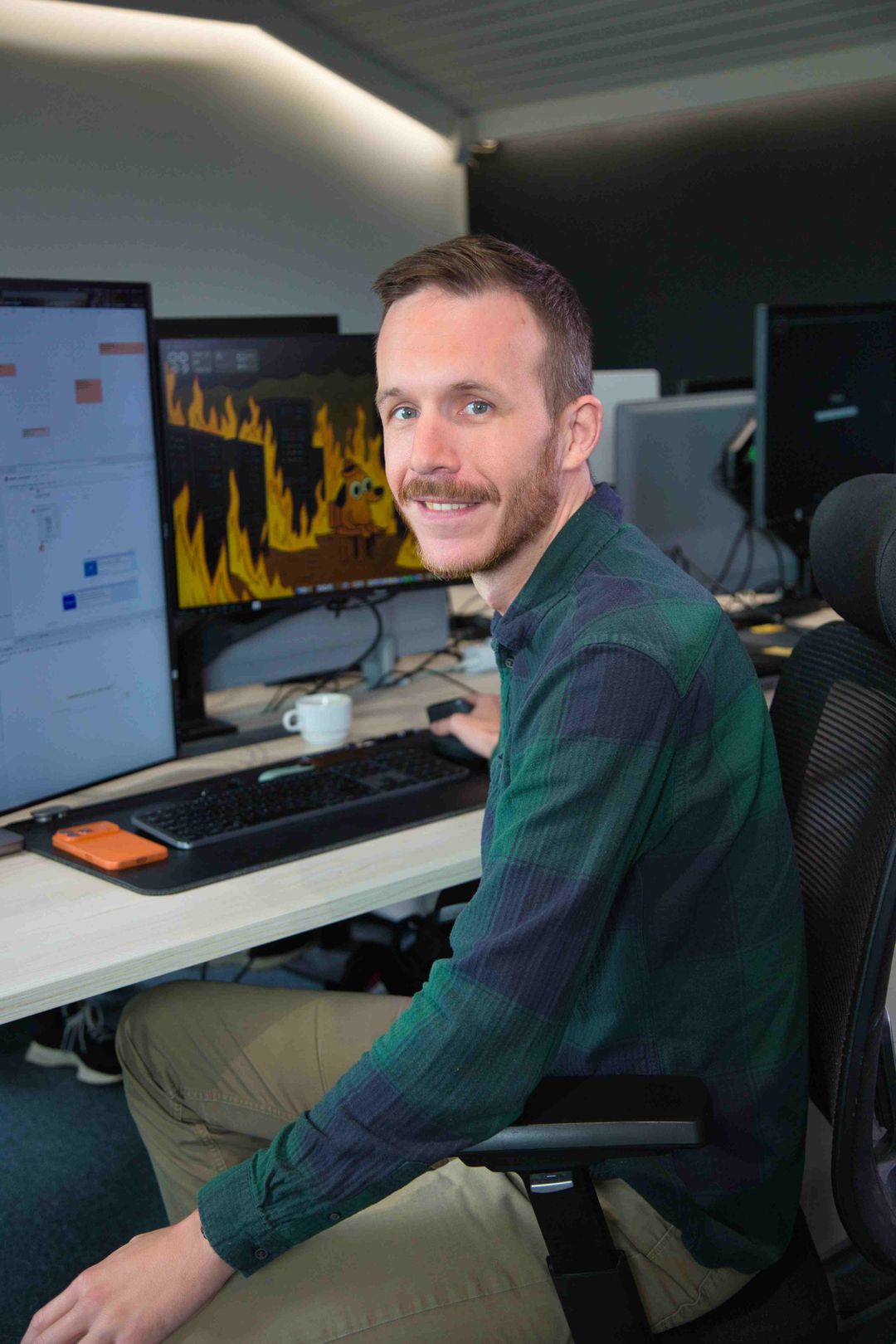
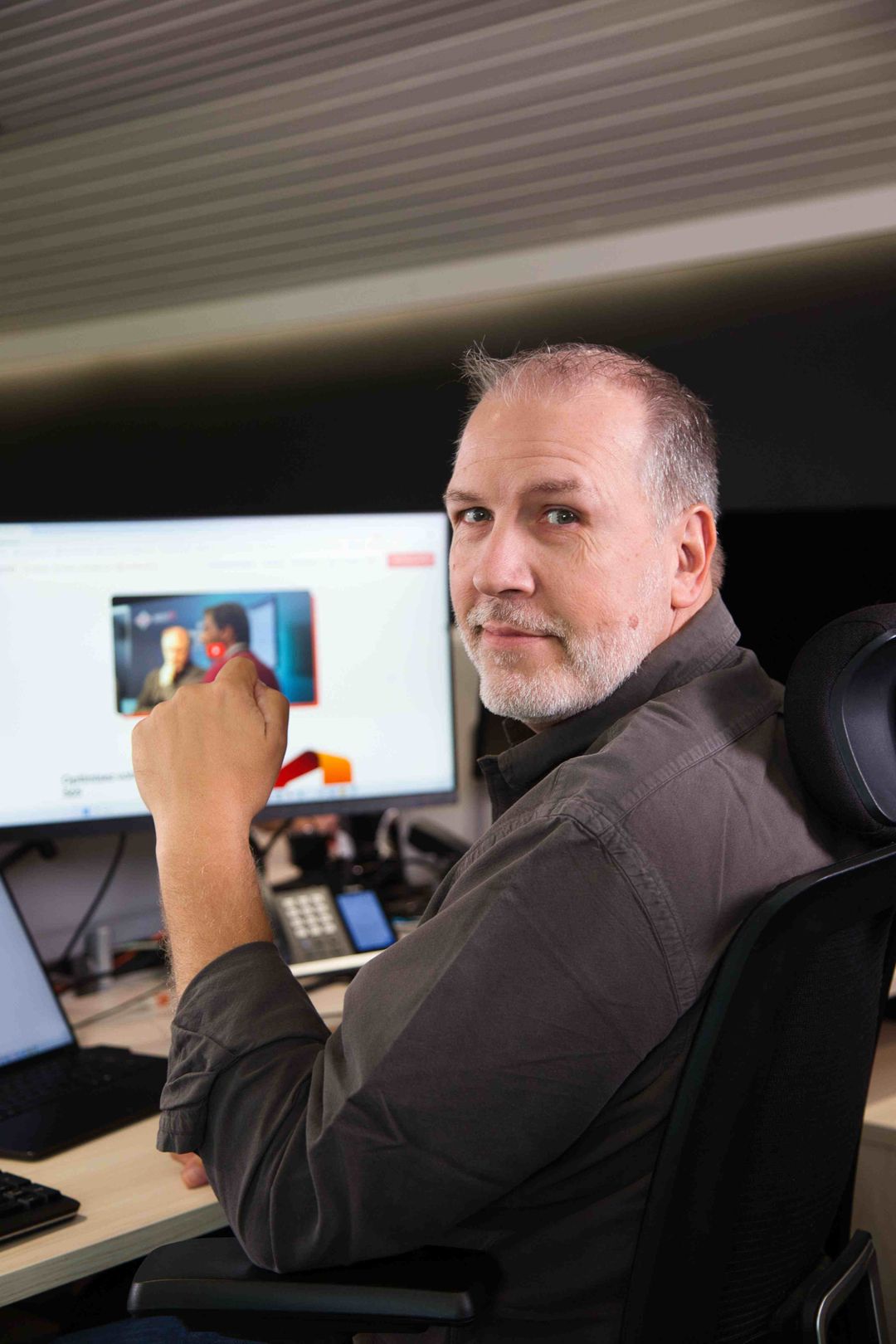
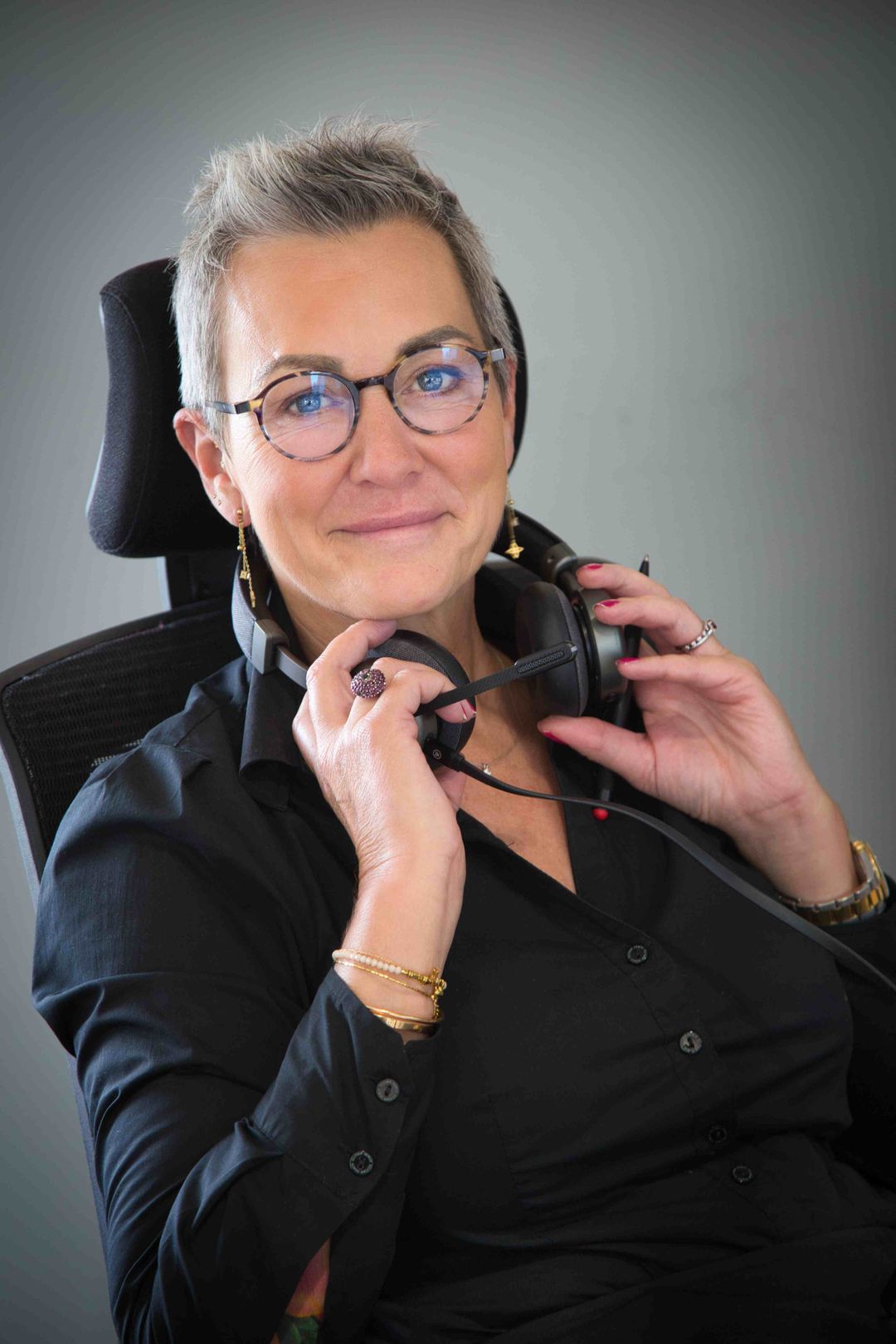




Real people, at our office in Brussels
Let's talk about your firm's IT
Tell us how you work: an expert gets back to you with the next steps, no strings attached.
Talk to an expert